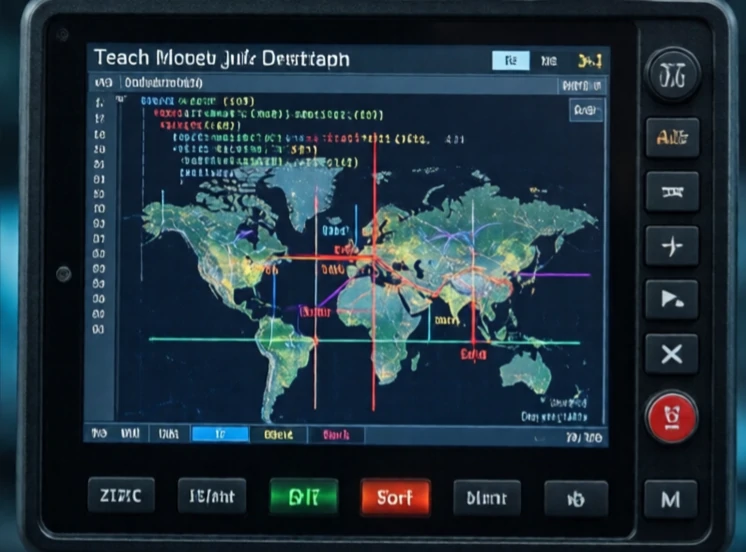
A teach pendant is a handheld device for programming and controlling a robot. It has a screen, buttons, and a joystick. The operator uses it to jog the robot into position, record waypoints, and test programs. It is the traditional interface for industrial robot programming.
Teach pendants are rugged. They survive drops, dust, and coolant splashes. They have an emergency stop button, a deadman switch, and a enable switch. The operator must hold the enable switch for the robot to move. Release it and the robot stops. That is a safety feature. The pendant also displays error codes, joint angles, and program status.
Teach pendant functions
- Jog the robot in joint or Cartesian mode.
- Record waypoints and positions.
- Edit and run programs.
- Monitor inputs, outputs, and system status.
- Recover from errors and faults.
Teach pendants are not easy to use. The interface is often cryptic. Programming a complex path requires patience. That is why many robot vendors offer offline programming software. The programmer simulates the robot on a computer and generates the code. The pendant is then used for fine-tuning and testing. Collaborative robots have better interfaces: tablet-based, graphical, and intuitive. But the teach pendant remains the standard in industrial settings. It is the tool that puts a human in direct control of a powerful machine. Every industrial robot programmer has a pendant in their hand at some point.
Comments
No comments yet. Be the first to share a thought.
Leave a comment