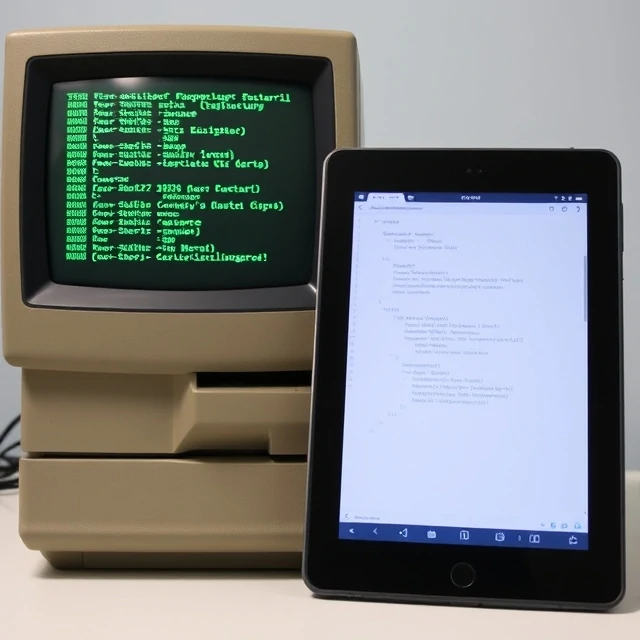
Buttons. Menus. Sliders. Text fields. The user interface is the layer between a person and a system, the visual and interactive elements that let you control what happens. Without a UI, a computer is just a box with a power cord.
The first graphical user interfaces emerged in the 1970s at Xerox PARC. Apple and Microsoft brought them to the masses in the 1980s and 90s. Before that, you typed commands into a terminal. The GUI introduced windows, icons, menus, and a pointing device. It made computers usable by people who had no interest in learning code.
Common UI elements
- Buttons that trigger actions
- Text inputs for typing information
- Menus and dropdowns for selecting options
- Sliders and toggles for adjusting settings
- Cards and lists for displaying content
Good UI design follows established patterns. People already know what a hamburger menu does. They know a toggle switches something on or off. Inventing new controls for familiar actions adds friction. The best interfaces feel almost invisible. You do not think about the button. You just click it and move on. That seamlessness is the result of a lot of careful decisions.
Comments
No comments yet. Be the first to share a thought.
Leave a comment