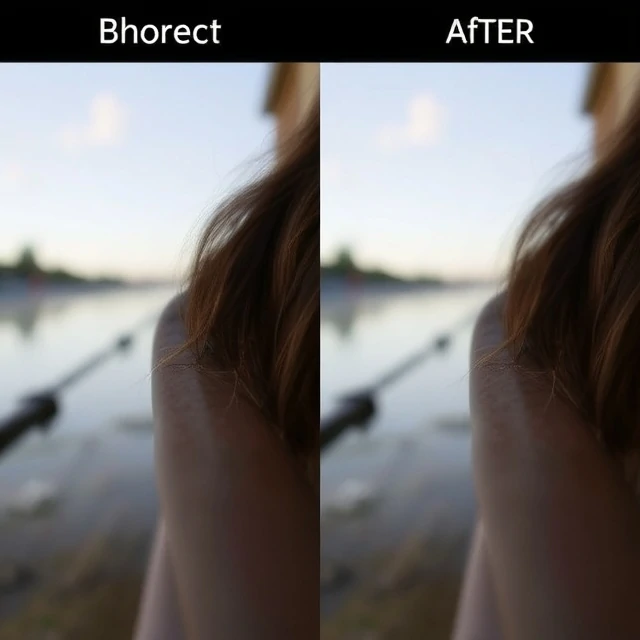
Η ευκρίνεια βελτιώνει την αντίθεση των άκρων για να κάνει μια εικόνα να φαίνεται πιο ευκρινής. Δεν προσθέτει λεπτομέρειες. Κάνει τις υπάρχουσες λεπτομέρειες πιο ορατές αυξάνοντας την αντίθεση μεταξύ των φωτεινών και των σκοτεινών pixel κατά μήκος των άκρων. Η ευκρίνεια εφαρμόζεται στην επεξεργασία μετά την επεξεργασία, είτε στην κάμερα είτε σε λογισμικό. Σχεδόν κάθε ψηφιακή εικόνα ευκρινίζεται, επειδή η διαδικασία λήψης και επεξεργασίας μιας εικόνας την μαλακώνει. Το φίλτρο εξομάλυνσης του αισθητήρα, οι οπτικές ατέλειες του φακού και η παρεμβολή των pixel μειώνουν την ευκρίνεια. Η ευκρίνεια αντισταθμίζει αυτήν την απώλεια.
Sharpening has limits. Too little and the image looks soft. Too much and it looks unnatural, with visible halos around edges and exaggerated noise. The goal is to sharpen enough to make the image look crisp without making it look over-processed. There are different sharpening techniques. Unsharp mask is the classic method, using a blurred version of the image to create a mask. High-pass sharpening is another. Some software uses AI-based sharpening, which can recover detail that was lost. Sharpening should be the last step in editing, after noise reduction and color correction. It should be applied selectively, not globally.
Sharpening tips
- Apply last. Sharpen after noise reduction and color correction.
- Use masking. Sharpen edges, not smooth areas.
- Zoom in. Check the effect at 100 percent.
- Be subtle. A little sharpening goes a long way.
- Output sharpen. Sharpen differently for screen and print.
Sharpening is not the same as focus. A blurred image cannot be sharpened into a sharp one. Sharpening enhances what is already there.
Comments
No comments yet. Be the first to share a thought.
Leave a comment