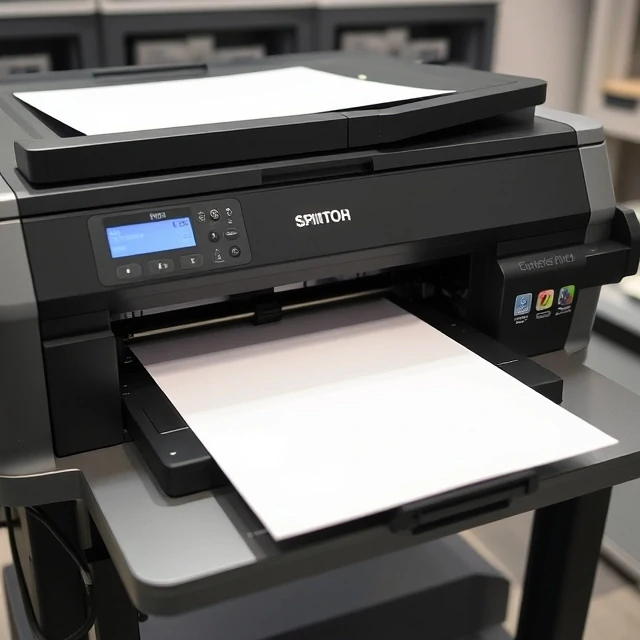
DPI measures printing resolution. It stands for dots per inch. A printer that lays down 300 dots per inch produces finer detail than one that lays down 72. The number matters for print quality. Too low and the image looks pixelated or jagged. Too high and the file size grows without visible improvement. For most commercial printing, 300 DPI is the standard. Newspapers print at lower resolution because the paper absorbs ink. Fine art prints may use higher resolutions for maximum detail.
DPI is often confused with PPI, pixels per inch. PPI describes the pixel density of a digital image. DPI describes the output resolution of a printer. They are related but not the same. A 3000-pixel-wide image printed at 10 inches wide has 300 PPI. The same image printed at 20 inches wide has 150 PPI, which may look soft. The rule of thumb: for print, aim for 300 PPI at the final output size. For screens, PPI matters less. Screens have their own pixel densities. A high-resolution display packs more pixels into the same physical space. The image scales to fit. Resolution is only one factor in quality. Sharpening, compression, and the source image all affect the final result. A low-resolution image cannot be made high-resolution by increasing DPI. The detail is not there. Upscaling interpolates pixels. It does not create information.
Resolution guidelines
- 300 DPI — standard for commercial printing
- 150 DPI — acceptable for large format viewed from distance
- 72 DPI — screen resolution, not print
- 600+ DPI — fine art and archival printing
DPI is about output. The printer's dots determine how sharp the image looks. More dots, finer detail, larger files.
Comments (2)
Leave a comment