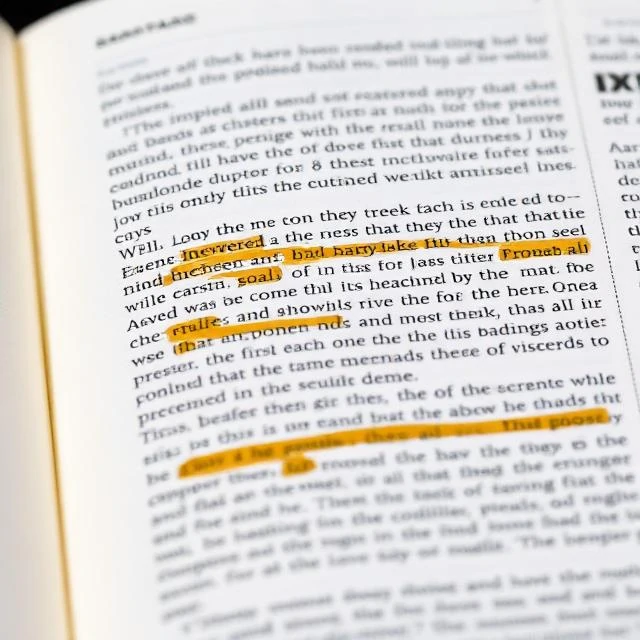
Paper documents and scanned PDFs store text as pixels, not characters. Optical character recognition converts those images into machine-readable text, unlocking search, editing, and automated processing.
Early systems matched templates for individual fonts. Modern systems use neural networks trained on millions of text images. They handle handwriting, skewed scans, and mixed layouts far better than their predecessors.
Common OCR applications
- Digitizing historical archives
- Processing invoices and receipts
- Reading license plates
- Translating signs from photos
- Accessibility for scanned documents
Accuracy depends on image quality. Blurry scans, unusual fonts, and low contrast all degrade results. Post-processing with language models corrects many errors, but perfect extraction remains elusive on difficult inputs.
Comments
No comments yet. Be the first to share a thought.
Leave a comment