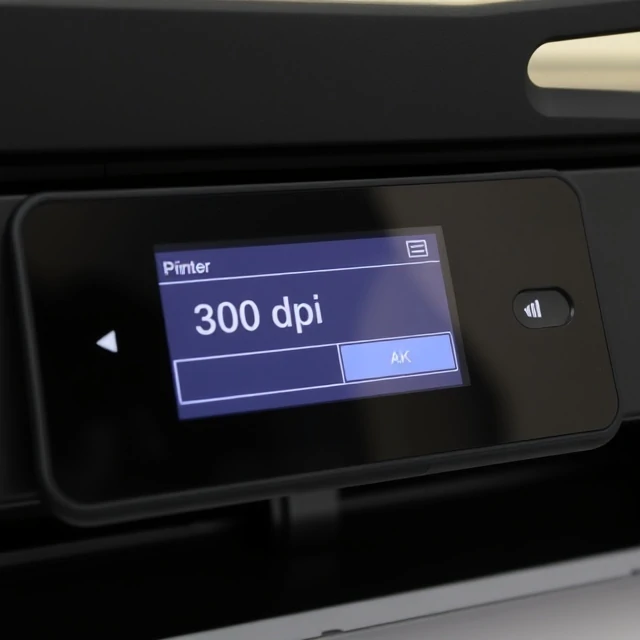
DPI stands for dots per inch. It measures how many ink dots a printer can place in a linear inch. A 300 dpi printer lays down 300 dots per inch, producing finer detail than a 150 dpi printer. The term is often confused with PPI, pixels per inch, which describes image resolution. DPI belongs to the printer. PPI belongs to the image file. A 300 ppi image printed on a 300 dpi printer produces sharp results. A 72 ppi image sent to the same printer looks soft, because the printer has to stretch fewer pixels across the same space.
The standard for professional print work is 300 ppi at final size. Newspapers get away with 150 to 200 ppi because newsprint absorbs ink and blurs detail anyway. Large-format prints like posters and billboards can use lower resolution because viewers stand farther away. A billboard at 20 ppi looks perfectly sharp from a highway. Designers preparing files for print check the effective resolution, which is the image's pixel dimensions divided by the final print size.
Practical guidelines
- Print: 300 ppi at final size.
- Newspaper: 150 to 200 ppi.
- Billboard: 10 to 30 ppi depending on viewing distance.
- Web: pixel dimensions matter, not dpi.
Setting a file to 300 dpi in Photoshop does not add detail. It only changes metadata. The pixels have to be there in the first place.
Comments
No comments yet. Be the first to share a thought.
Leave a comment