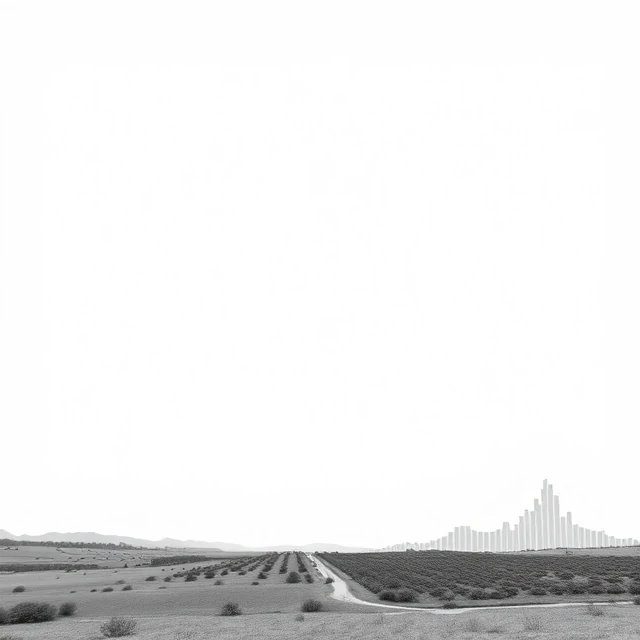
Overexposure is what happens when too much light reaches the sensor. The image is too bright. Highlights lose detail and become pure white. Colors wash out. The histogram is bunched on the right side, often with a spike at the far right edge. Overexposure can happen for several reasons: the shutter speed is too slow, the aperture is too wide, the ISO is too high, or the meter was fooled by a dark scene. It can also be intentional, used for a high-key effect where bright, airy images are the goal.
Overexposure is not always a mistake. Some photographers deliberately overexpose to create a soft, dreamy look. But accidental overexposure loses data that cannot be recovered. Highlights that are clipped are gone. Shadow detail can sometimes be recovered from a RAW file, but blown highlights cannot. The solution is to check the histogram and the highlight warning, also called the blinkies, which flashes the clipped areas on the screen. If the highlights are blinking, reduce the exposure. A slightly underexposed image is usually easier to fix than an overexposed one.
Signs of overexposure
- Histogram. Bunched on the right, with clipping.
- Blinkies. Flashing highlights on the rear screen.
- Washed out colors. Saturation drops in bright areas.
- Loss of detail. Highlights become pure white.
Overexposure is not the same as a bright image. A bright image can be correctly exposed. Overexposure is about losing detail, not about brightness.
Comments
No comments yet. Be the first to share a thought.
Leave a comment