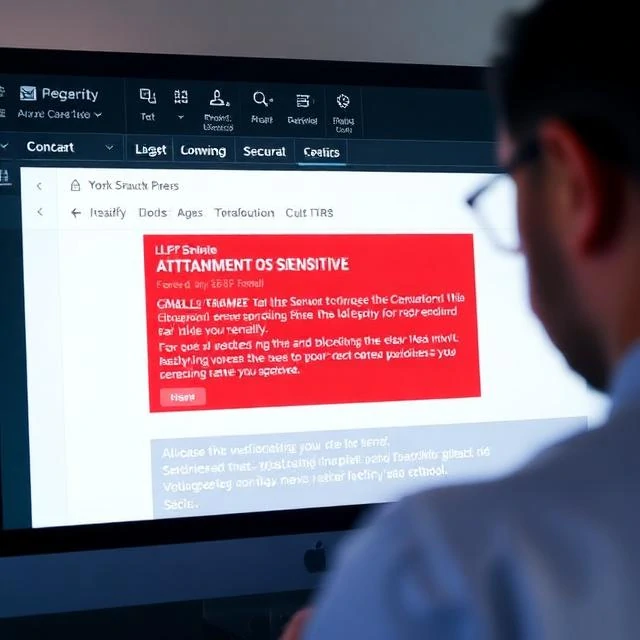
Data loss prevention stops sensitive data from leaving an organization. It watches where data goes: email attachments, cloud uploads, USB drives, and print jobs. A DLP system identifies sensitive content using patterns and labels, then blocks or alerts on transfers that violate policy. A spreadsheet full of customer credit card numbers should not go to a personal Gmail account. The DLP engine recognizes the pattern and stops the send.
DLP is hard to get right. False positives annoy users and generate alert fatigue. False negatives let data out. Encrypted files and images defeat content inspection. Employees find workarounds, like photographing a screen or pasting data into a personal notes app. Effective DLP combines technology with policy and training. Label sensitive data at creation. Classify it so the DLP engine knows what to protect. Restrict USB ports where appropriate. Monitor cloud uploads. Most breaches involve data leaving through a channel someone forgot to watch. DLP closes those channels, but only if the organization defines what counts as sensitive and enforces the rules consistently.
DLP channels to monitor
- Email — attachments and outbound messages
- Cloud storage — uploads to personal accounts
- Removable media — USB drives and external disks
- Printing — documents leaving as paper
- Web — form submissions and file uploads
DLP is a speed bump, not a wall. A determined insider will find a way. The goal is to catch the careless and slow the malicious.
Comments
No comments yet. Be the first to share a thought.
Leave a comment